Describe it. Edit it. Make it perfect.
Create images from a sentence or a page-long prompt with the best AI models, then keep going: change anything by describing it, cut out the background, or upscale to 4× — all in one place.
Try it now with 15 free credits — no account needed.
From idea to finished image in three steps
No design skills, no complicated settings. Your prompt is used exactly as you write it.
- 1
Describe your idea
Write a few words or a detailed prompt — it's used word for word. Want help? Press Enhance and the AI writes a richer one for you.
- 2
Pick a model, style and shape
Choose a premium, fast or text-perfect model, a style like Photo or Anime, the aspect ratio and resolution.
- 3
Edit, cut out, upscale
Change anything by describing it, remove the background in one click, upscale to 4× and download — or share it to the gallery.
A whole photo studio in one place
Every image you make — or upload — can go further. The same tools work right inside the chat: just ask.
Edit with words
Upload a photo or pick one you made and say what to change: “make it night”, “add snow”, “swap the background for a beach”.
Remove backgrounds
Clean cut-outs in seconds — even hair and fur — as a transparent PNG or WebP. Perfect for products, profiles and stickers.
Upscale 2× or 4×
Turn small or soft images into sharp, print-ready ones. Faithful mode keeps every detail; Creative mode adds new fine texture.
Text that reads right
Posters, logos and covers with clean, correctly spelled lettering using the best text-rendering model.
Fast drafts, premium finals
Sketch ideas with a lightning-fast model, then render the keeper in 2K with the premium one.
Turn it into 3D
Make a textured 3D model from any image or description, rotate it in your browser and download the GLB.
One prompt, endless looks
Apply a style with one tap — VirtuaChat adds the right lighting, medium and detail. Or skip styles and describe the look yourself, as precisely as you like.
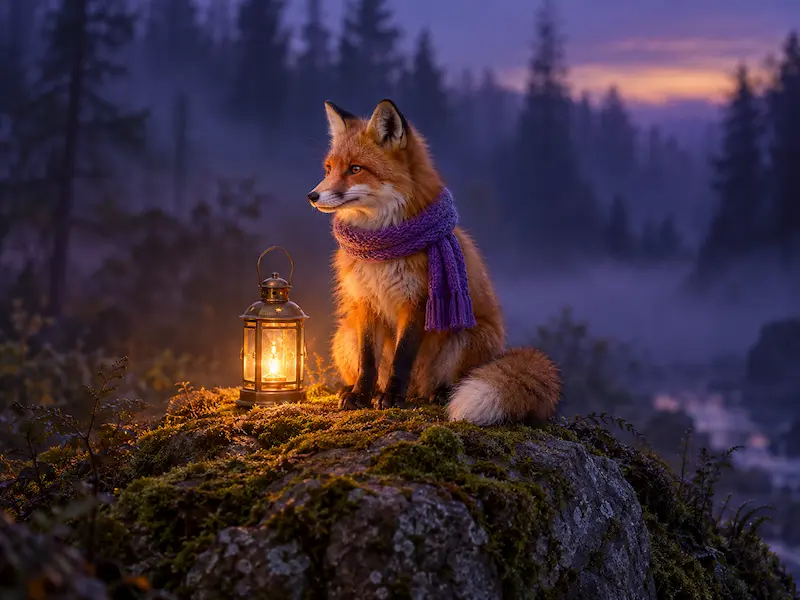
Photo
Realistic photos with natural light.
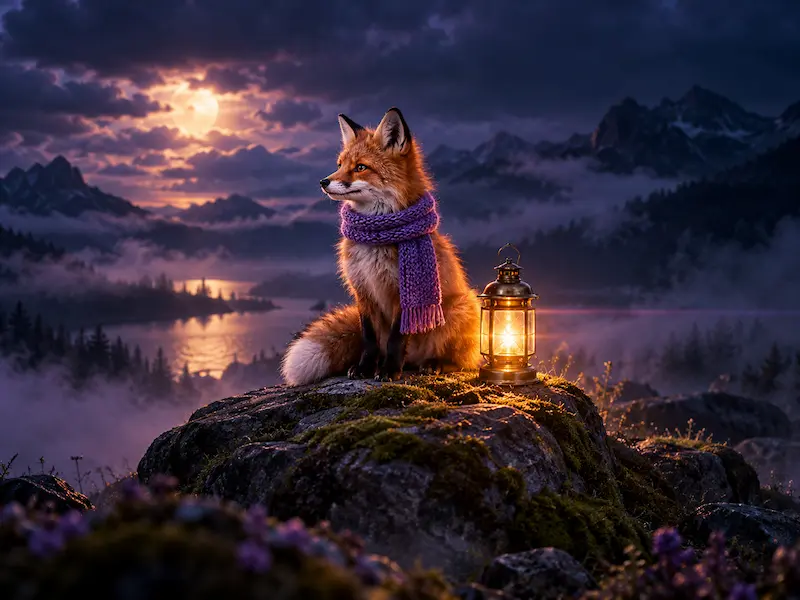
Cinematic
Dramatic film stills and colour grading.
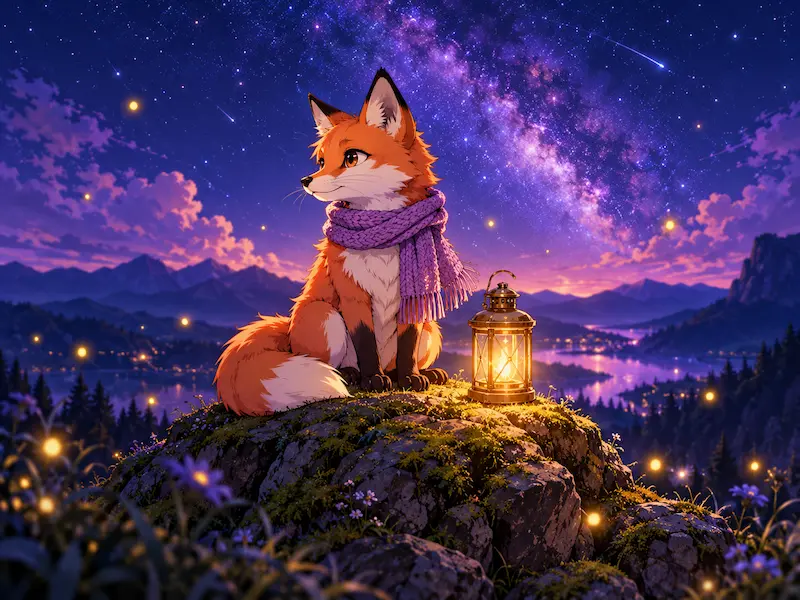
Anime
Clean line art and vibrant cel shading.
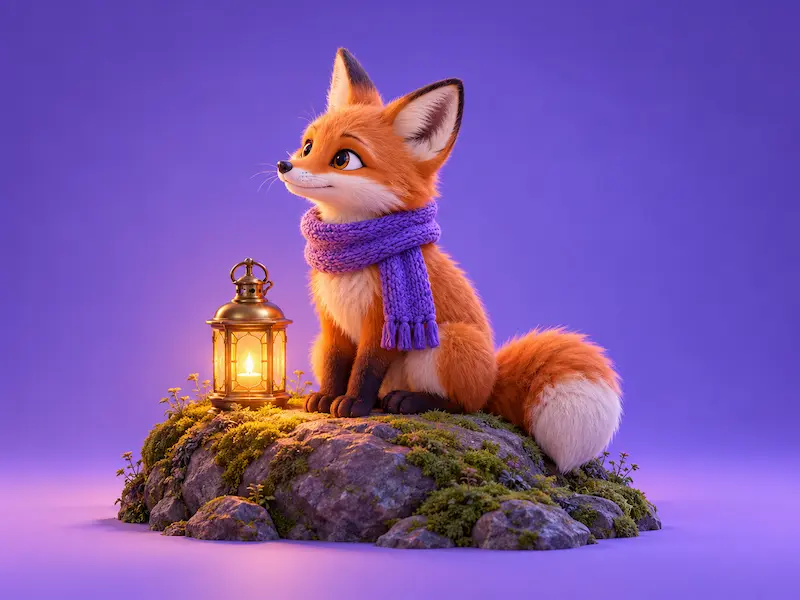
3D render
Soft light and smooth, tactile materials.
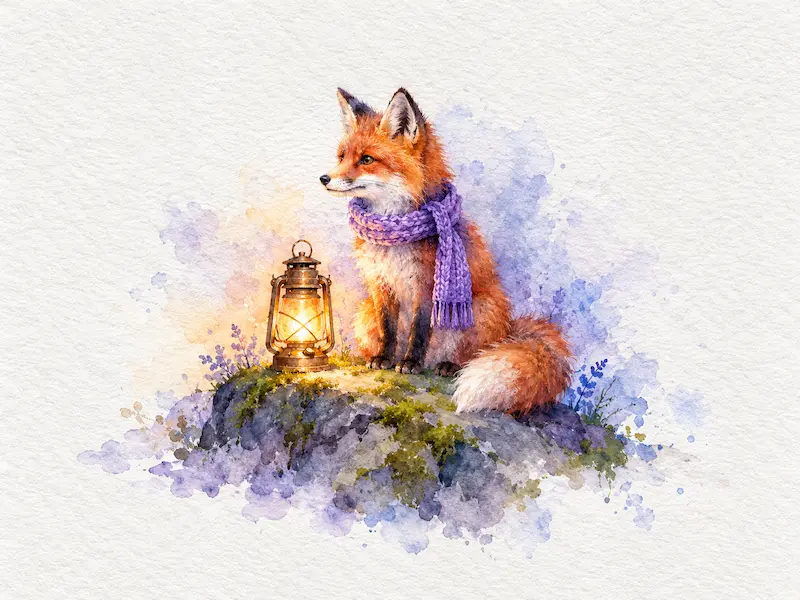
Watercolor
Gentle washes on textured paper.
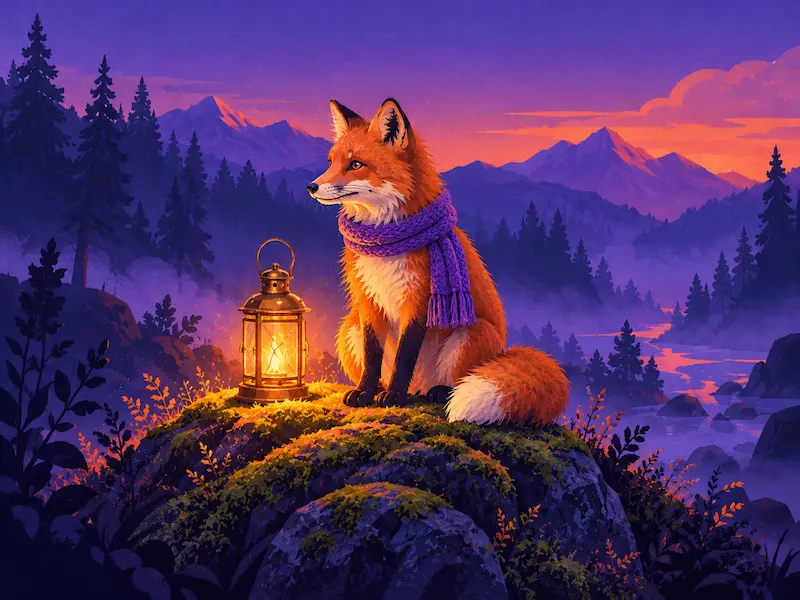
Illustration
Bold, modern editorial artwork.
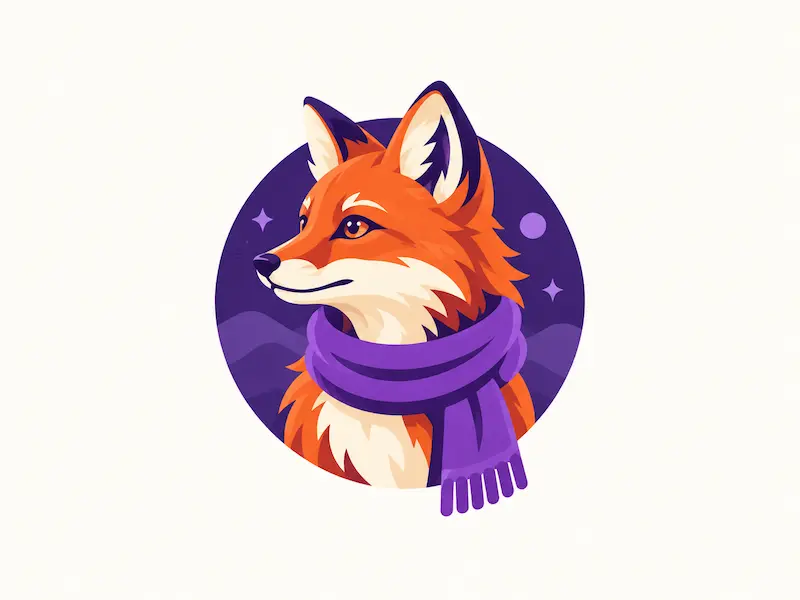
Logo
Simple, memorable marks and icons.
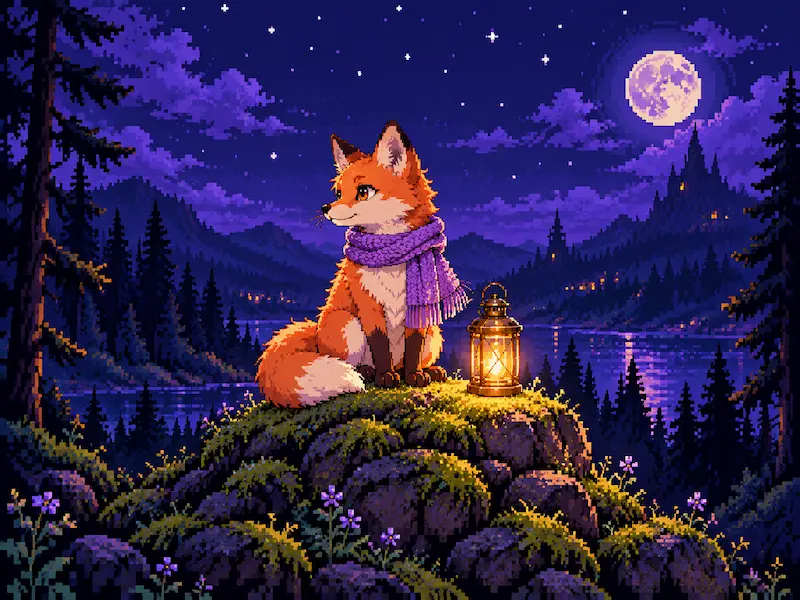
Pixel art
Crisp retro game aesthetics.

Product shot
Studio lighting for your products.
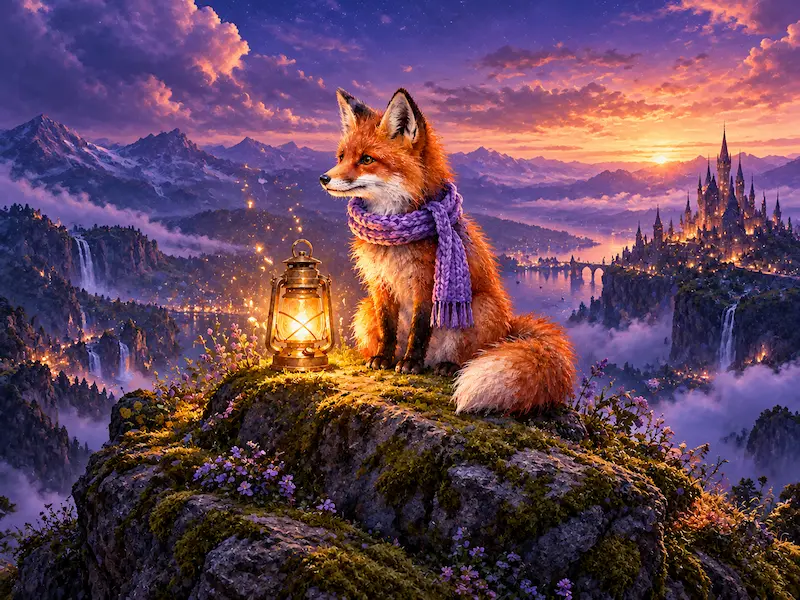
Fantasy
Epic worlds and magical atmospheres.
Made by people like you
A taste of what the VirtuaChat community creates. Tap any image to see the prompt.
Images for everything you make
From social posts to product mock-ups — create visuals in seconds instead of hours.
Social media & ads
Scroll-stopping visuals for posts, stories and campaigns in any format.
Blog & article art
Unique header images that match your topic — no stock photos needed.
Product mock-ups
Studio-style product shots and lifestyle scenes for your store.
Slides & presentations
Illustrations that make your ideas memorable.
Logos & icons
Explore brand marks, app icons and mascots quickly.
Art & storytelling
Characters, worlds and concept art for books, games and fun.
Questions about the image generator
Everything you need to know before you start creating.
Still have a question? Contact us

Your next image is one sentence away
Create it, edit it, cut it out or upscale it — all in the Image Studio.
Free to try — no credit card needed.